AR/XR Design Client Project
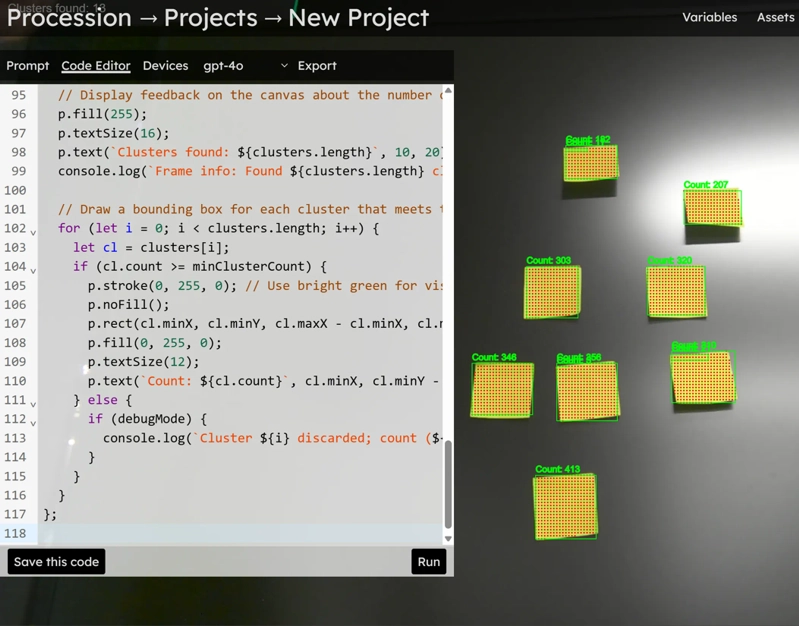
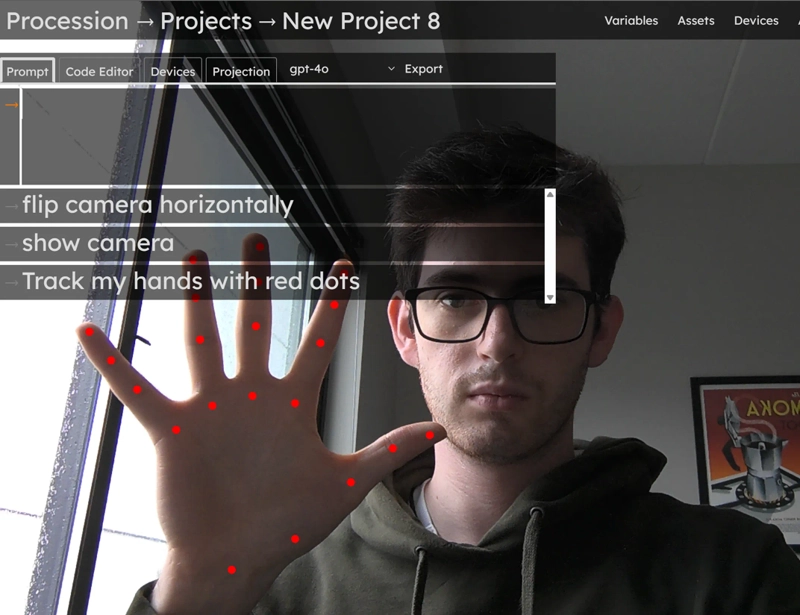
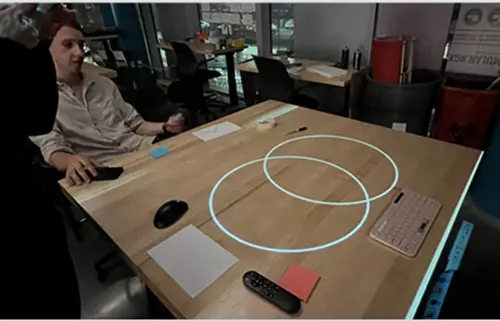
This project was a collaboration with Spatial Pixel, exploring how AI and spatial computing could be applied in creative workspaces. Our team was tasked with identifying the “killer use cases” for their prototype system, Procession; a projection-based interface that responds to voice, gesture, and real-world context. I focused on user testing, design visualization, and proposing technical improvements to the interface.
Concept
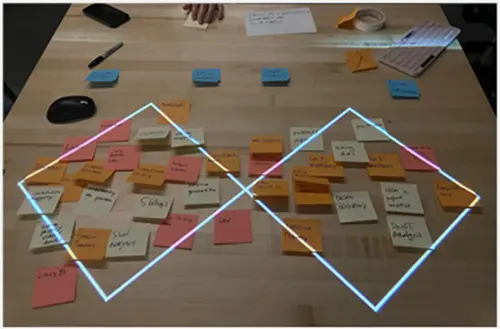
Our goal was to understand how people might use Procession in real work sessions. We expected users to struggle with how to engage with its functionality, but they actually struggled with what to prompt. Even informed participants used outside tools to decide what needed to be added to the canvas, rather than staying within the projected workspace.
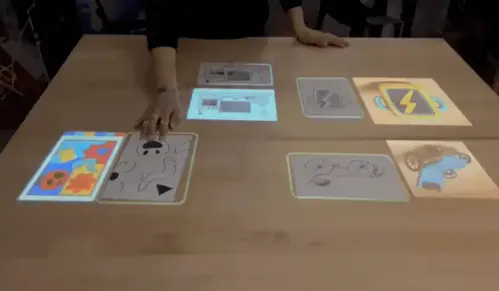
Because Procession already included a natural language interface, we focused on how AI could make that interaction more useful. We explored features that could visualize prompts, summarize content, and generate timelines directly on the table, helping users see and shape their ideas in real time.



Results
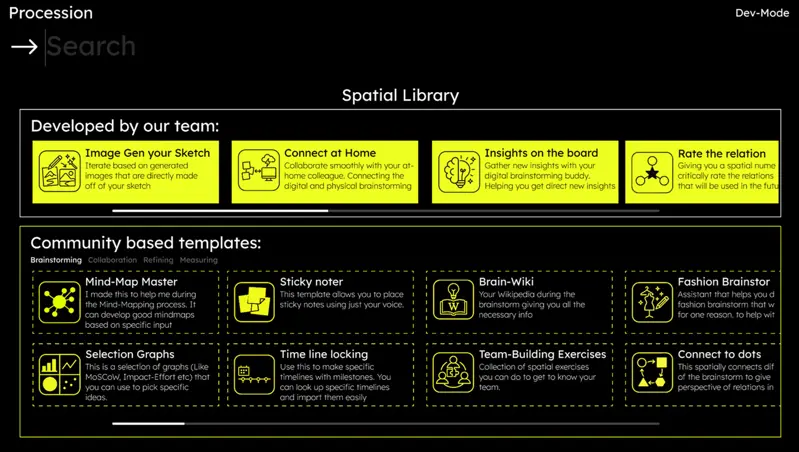
User testing and iteration led to a redesigned interface that made Procession feel more like a tool and less like a demo. We introduced a Spatial Library, a set of pre-built templates for brainstorming, mapping, and collaboration. The library let users share complete, ready-to-use modules, giving regular users a clear starting point and making the system easier to approach.
To help users decide what to create rather than how to prompt, we mocked up a visualization feature. These transformed sketches and text into visual scenes instantly, helping teams explore variations, summarize ideas, and make decisions faster together.


Appendix
To support smarter interactions, I offered a number of technical improvements to Spatial Pixel:
Live OCR: Used Tesseract plus a CLAHE + Otsu binarization pipeline to capture handwritten content from the workspace more reliably. System Feedback: Proposed a simple o3-style feedback panel so users could see what the system was doing without cluttering the canvas. Dynamic Generation: Used AI prompts to create timelines, maps, and summaries directly on the table so users could update content in real time. Calibration: Designed a startup calibration flow with fiducial tags to keep the projector and camera aligned.